
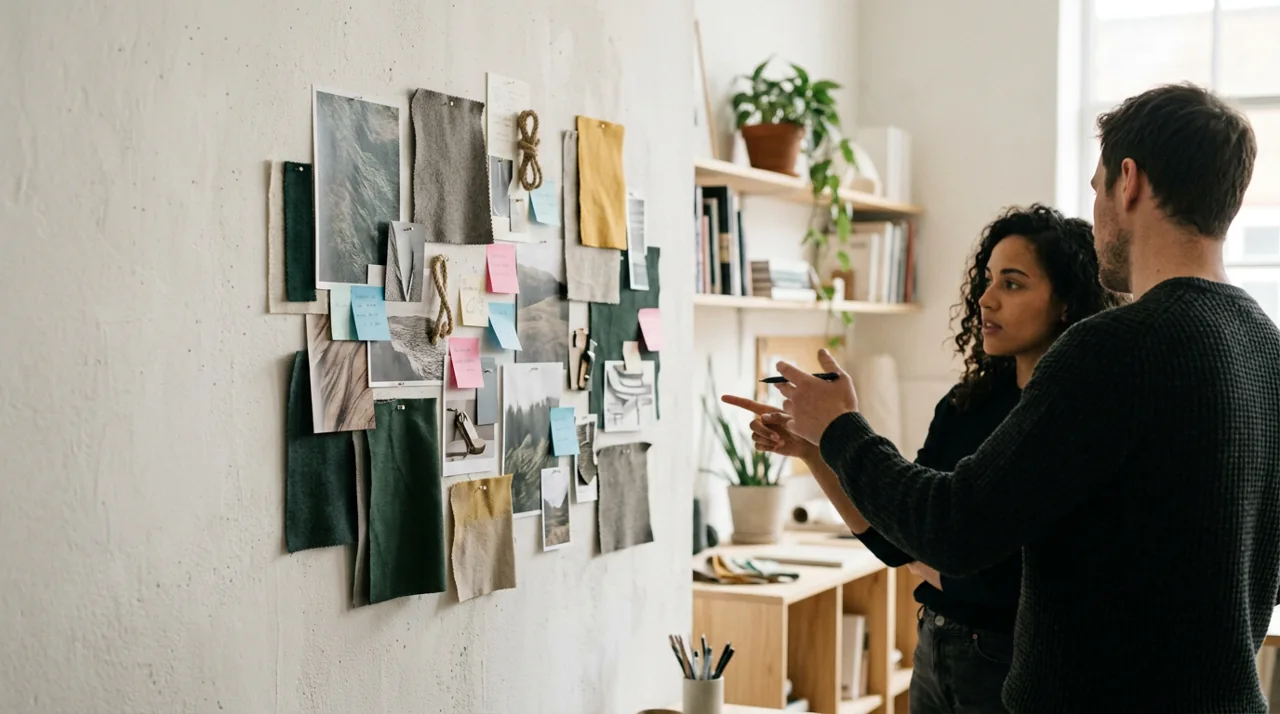
What it is
A curated collage of images, colors, type, and textures that captures a desired aesthetic and emotional direction, used to align stakeholders on visual tone before detailed design.
When to use it
Between Ideate and Prototype, when setting visual/brand direction.
Why (value)
Aligns everyone on look and feel quickly and cheaply, before investing in mockups, and surfaces aesthetic disagreements early.
How to run it
- Gather visual references that fit the desired tone.
- Curate into a cohesive board.
- Present to align on direction.
- Discuss what resonates and why.
- Translate the agreed direction into style tiles or mockups.
Inputs and outputs
- Inputs: Brand/aesthetic goals and reference material.
- Outputs: A mood board expressing visual direction.
Time and effort
Low. An hour or two.
Evidence and limitations
Expresses aesthetic intent, not user evidence; preference does not equal usability or brand fit. See Evidence and limitations.
Tips and pitfalls
- Curate, do not just dump images.
- Use it to surface disagreement early.
- Pair with rationale, not just pretty pictures.
Variations
Style scapes, brand mood boards, digital pinboards.
Related methods
Need help choosing and applying a method?
Gumshoe helps teams connect research, collaborative workshops and service design to the decisions they need to make.
Sources and further reading
- UX Tigers, “100 UX methods.”
Explore related methods
- Style tiles — Define the visual language, color, type, buttons, in a compact reference before full mockups.
- Vision concepts — Paint an aspirational picture of the future experience to align and inspire before building.
- High-fidelity mockups — Produce pixel-accurate visual designs that show the real look and feel.